

Website speed of measurement
For websites and webshops, one of the most striking features is the page load speed. Today, the majority of average users expect a page to load in less than 2 seconds. If a page loads slowly, or even lags constantly, it is likely that a potential customer will end up at a competitor's site.
Accelerating and optimising websites is a very technical task, but it has become an expectation with the ever-evolving and accelerating technical capabilities. We'll go into more detail on what these tasks entail, but let's start at the very beginning, with an analysis of page load speed.
Speedometer pages
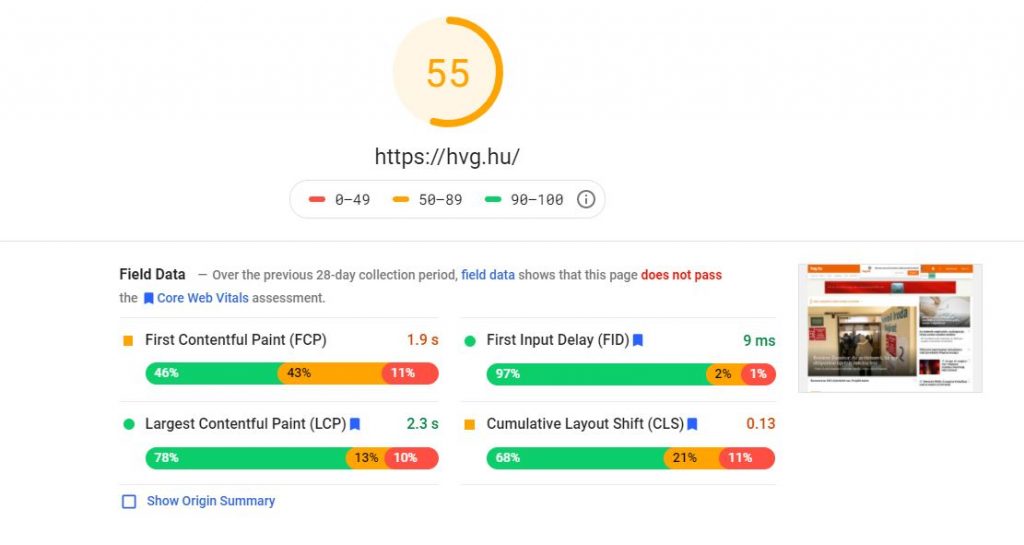
PageSpeed Insights
PageSpeed Insights is a Google developer tool that makes it easy to analyse the speed of your mobile and desktop versions of your site. By entering the page title, you can get the results of the analysis in a few seconds.
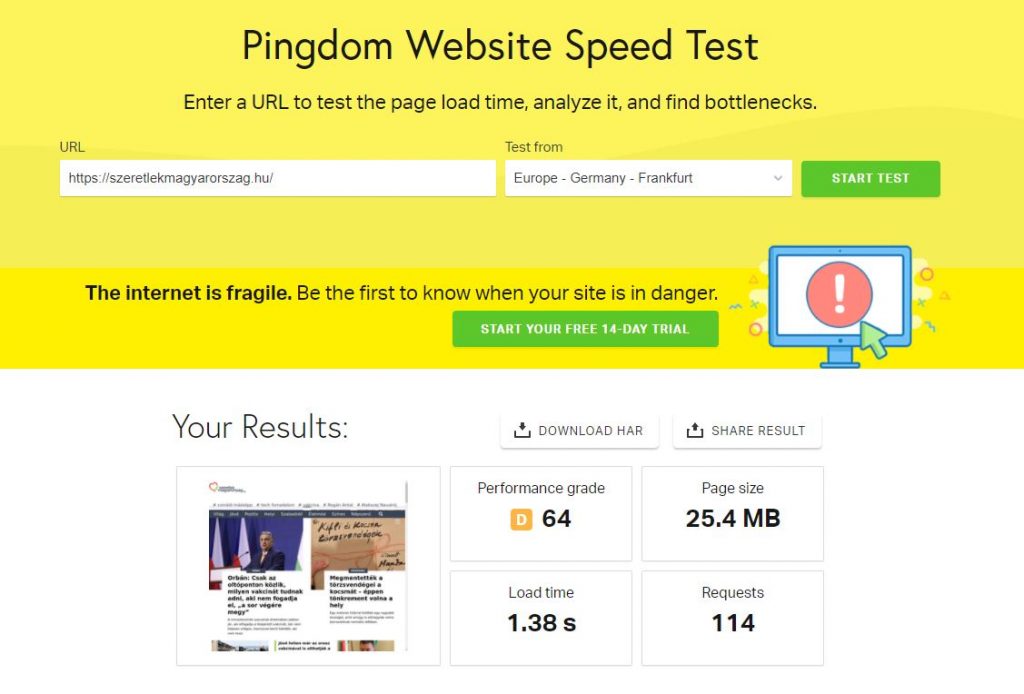
Pingdom
Although it is only used to measure the speed of websites, you can choose the server (geographical location) from which you want to start your measurement.
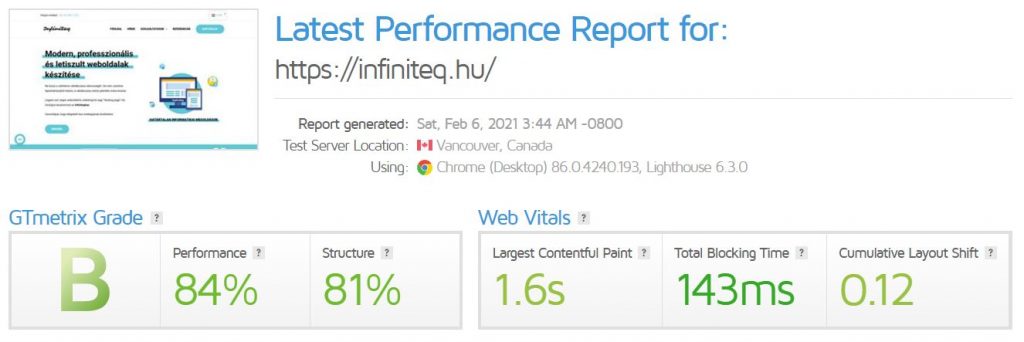
GTmetric
Although the free version uses a Canadian server for measurement, it is one of the most detailed analysis sites. Thanks to its level of detail, it's the one we recommend most of all the free measurement tools.
More detailed analysis
Even though our site loads quickly, it only received a "B" grade in the test. There could be many reasons for this, so we should not rely solely on the results of the measurement. If your site is fast and performing well, you don't need to invest a lot of effort to get a better grade.
If you want a more detailed look at what is slowing down your site, go to Waterfall.
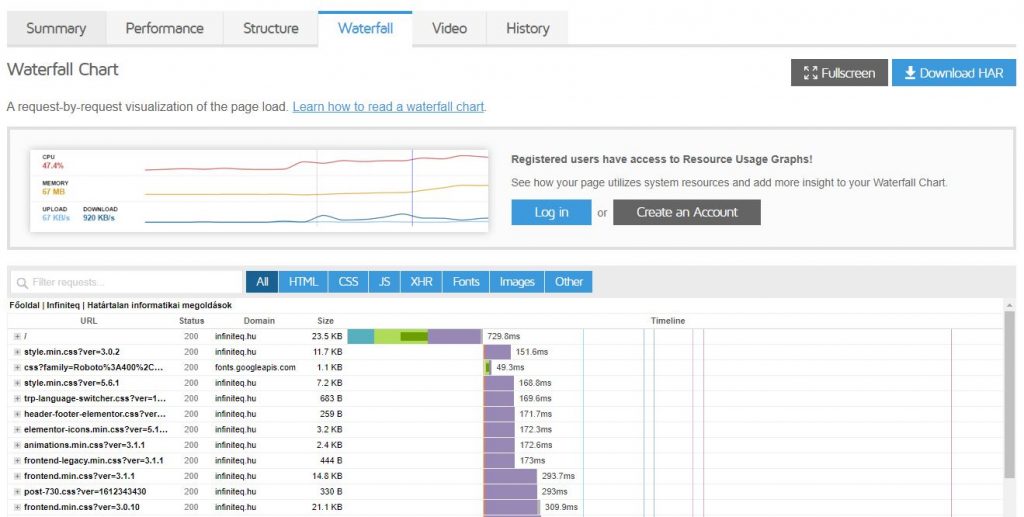
Thanks to the waterfall menu, you can view the load time per element or even per type (HTML, CSS, JS...). In this case, the first response time of the page was slower, as the response had to go all the way to Canada from the server in Budapest.
After that, we can analyse the loading times of different styles (CSS), plugins and objects (JPG). If you notice that a style or plugin that you are not using is slowing down the page, you should disable or replace it.
Always back up your site before touching any code.
When considering the speed and performance of your site, consider that the more features you have, the more plugins you use or the more analytics you are connected to, the more attention you need to pay to optimisation.
For WordPress sites, configure the host properly, use a proper cache setting and don't install all sorts of plugins if you can do the same with a few lines of code.
 HUN
 ENG